
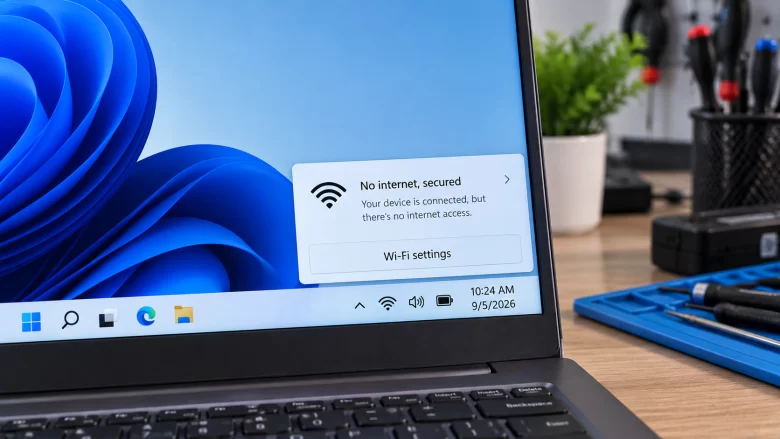
When your taskbar displays a globe icon and the Wi-Fi menu reads No Internet, Secured, two completely separate things are happening at once: “Secured” means the local wireless handshake succeeded. Your PC’s Wi-Fi adapter negotiated WPA2 or WPA3 encryption with your router’s radio. The physical radio link between your laptop or desktop and the router …
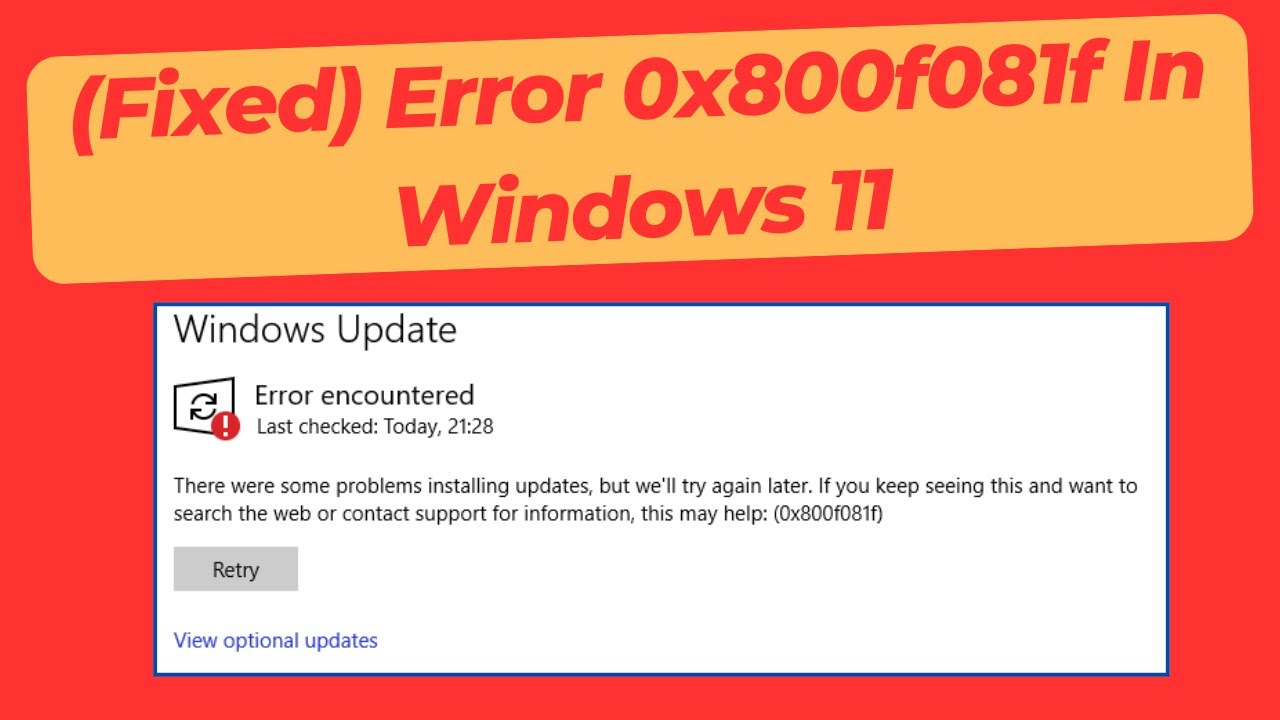
Windows 11 update error 0x800f081f (technically defined as CBS_E_SOURCE_MISSING) occurs when Windows Update or the Deployment Image Servicing and Management (DISM) tool cannot locate the exact source files required to apply a servicing package or cumulative update. Unlike general update failures caused by temporary network drops, error 0x800f081f indicates that the internal Component Store (WinSxS) …
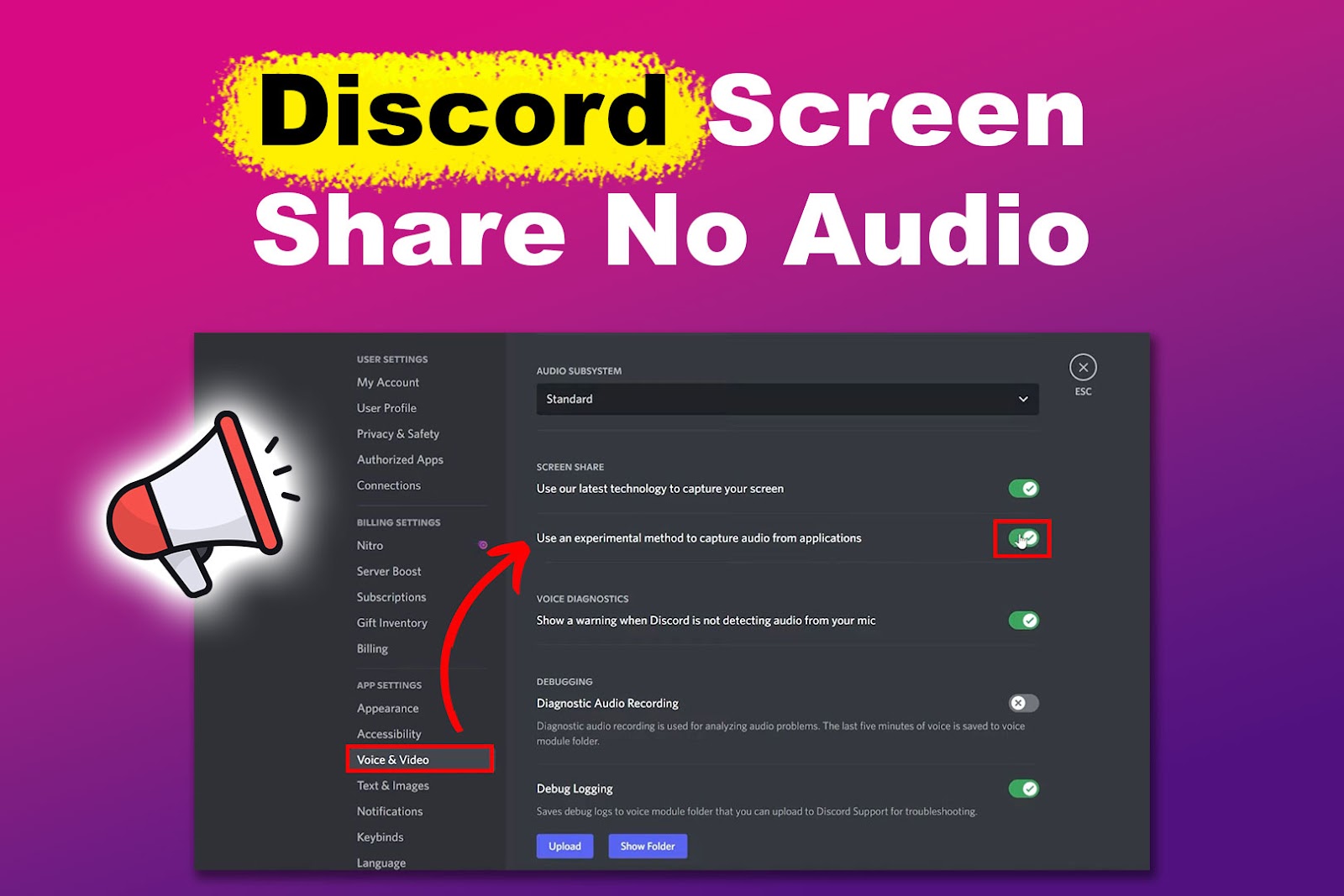
When sharing games or video applications on Discord, viewers frequently report seeing video without any accompanying sound. This issue stems from OS-level audio capture hook limitations, permission mismatches, or audio subsystem configuration conflicts on Windows 11 and macOS. 1. Application Window vs. Full Screen Display Capture Discord’s audio hooking mechanism operates by capturing sound output …
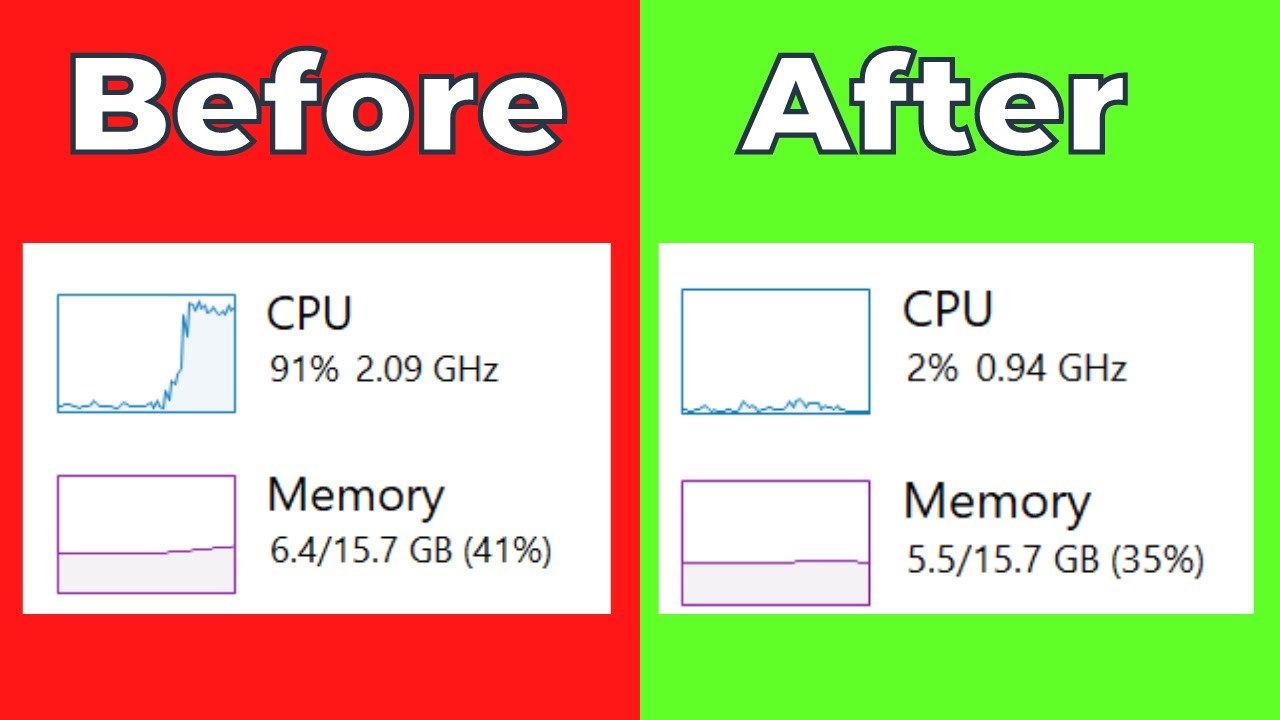
In Task Manager, “System Interrupts” appears as an official Windows process, but it is actually a virtual representation of hardware interrupts and kernel-level driver calls. When System Interrupts CPU usage spikes continuously above 1-2%, it indicates hardware or driver communication loops where the CPU is overloaded handling endless interrupt requests. 1. Understanding DPCs (Deferred Procedure …
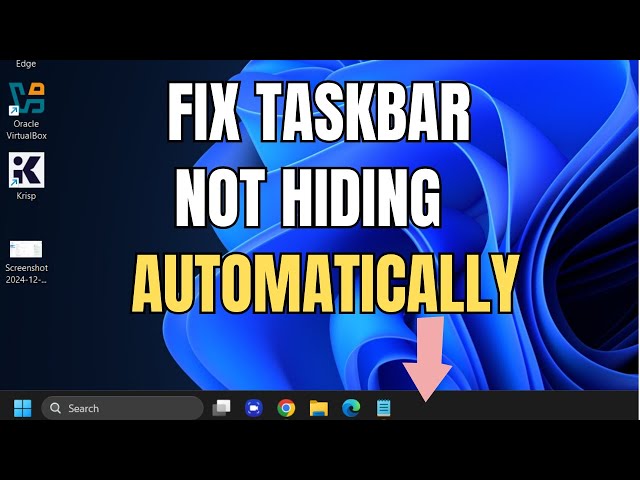
In a multi-monitor Windows 11 setup, the auto-hide taskbar feature allows users to maximize screen real estate across primary and secondary displays. However, secondary or primary taskbars frequently remain locked in place due to background app notification hooks, display scaling desynchronization, or Explorer process hangs. 1. Identifying Hidden System Tray Urgency Flags Windows 11 intentionally …
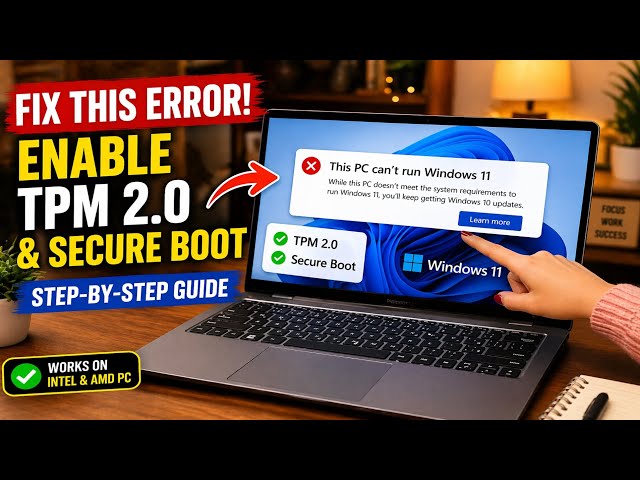
The “This PC Can’t Run Windows 11” error during setup or Windows Update almost always stems from disabled Trusted Platform Module (TPM 2.0) settings or legacy BIOS (CSM) partitioning mode. Most systems produced since 2017 support TPM 2.0 directly within the processor firmware—Intel calls it Platform Trust Technology (PTT) and AMD calls it Firmware TPM …
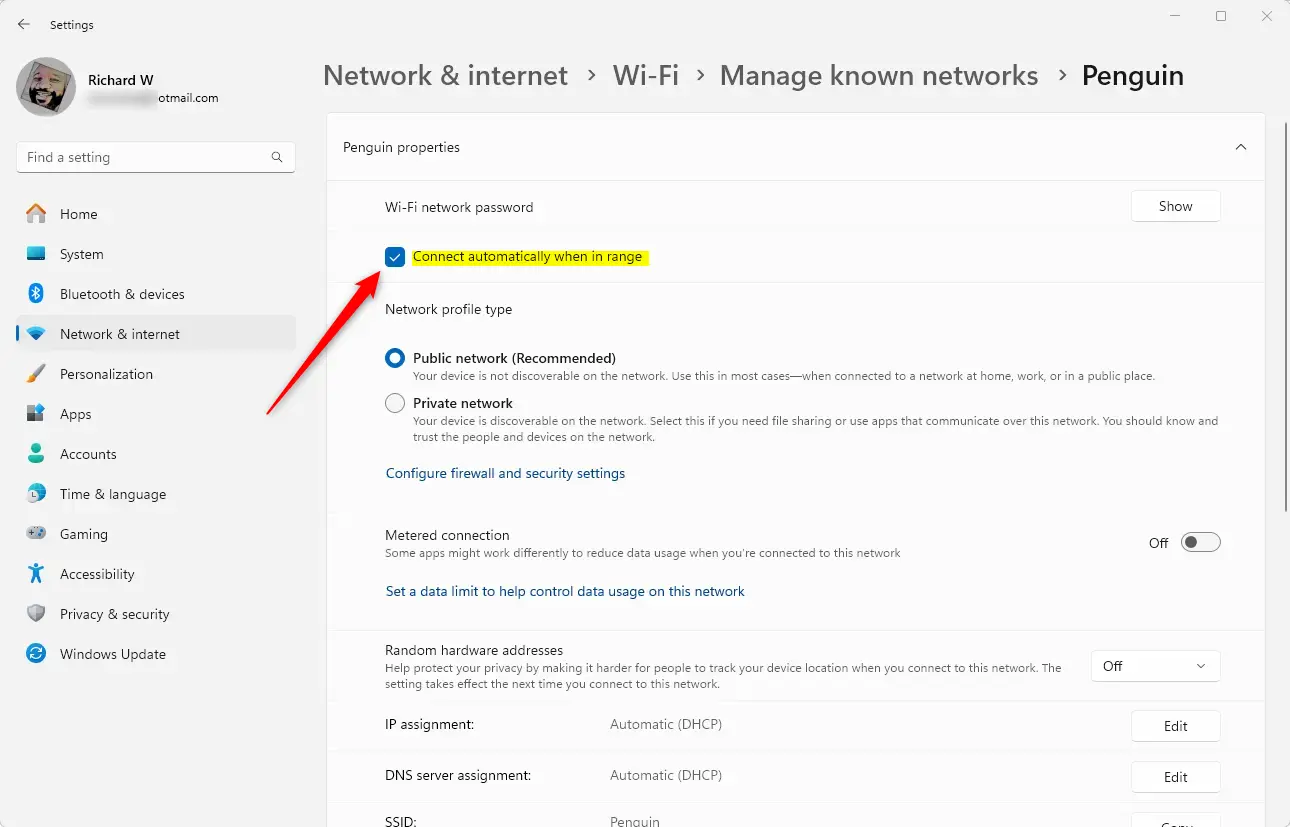
Windows 11 holding onto a barely functional Wi-Fi signal when a perfect connection is ri Windows 11 frequently stays connected to low-quality, degraded Wi-Fi access points rather than switching to stronger available networks or higher-frequency bands. This behavior occurs because Windows prioritizes saved connection order over active Signal-to-Noise Ratio (SNR) and Windows 11 frequently stays …
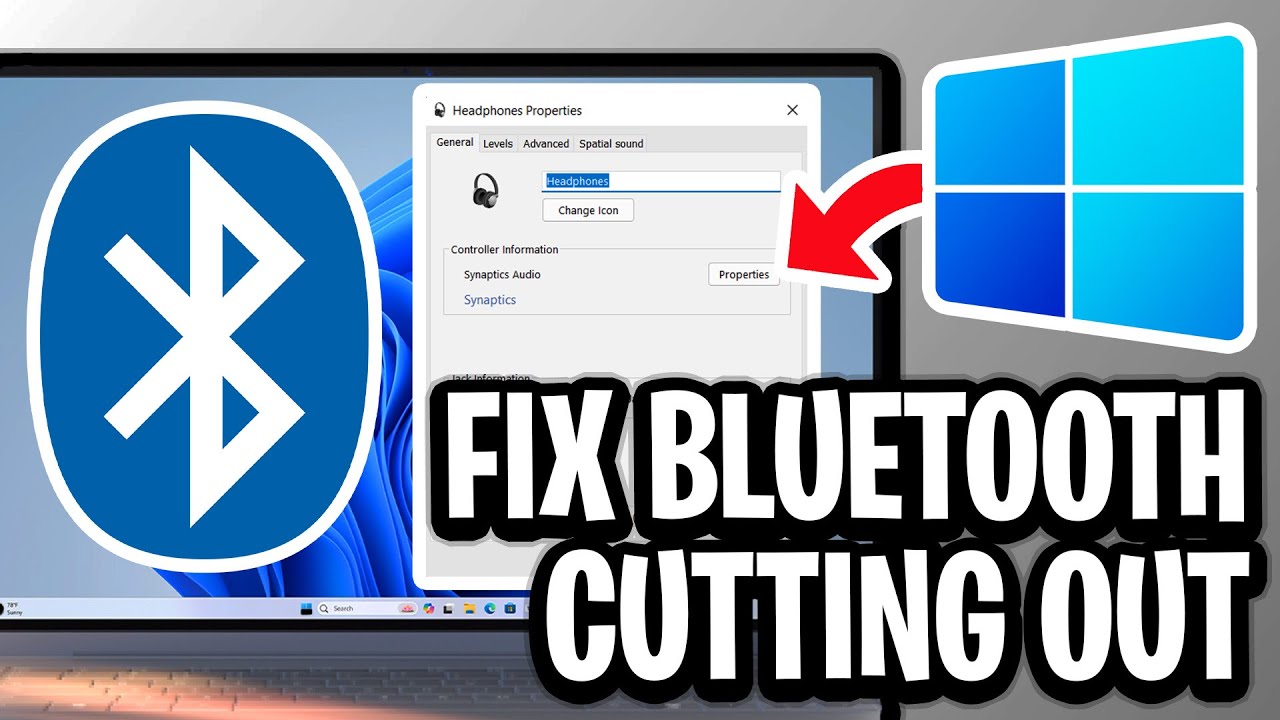
Windows 11 Bluetooth audio stuttering usually happens when your PC’s wireless radio gets overwhelmed by conflicting signals or power-saving features choking the connection. I Official Source: Microsoft Support – Fix Bluetooth problems in Windows Why Are You Seeing This Error? Understanding the root cause helps you avoid the problem the next time you pair a …
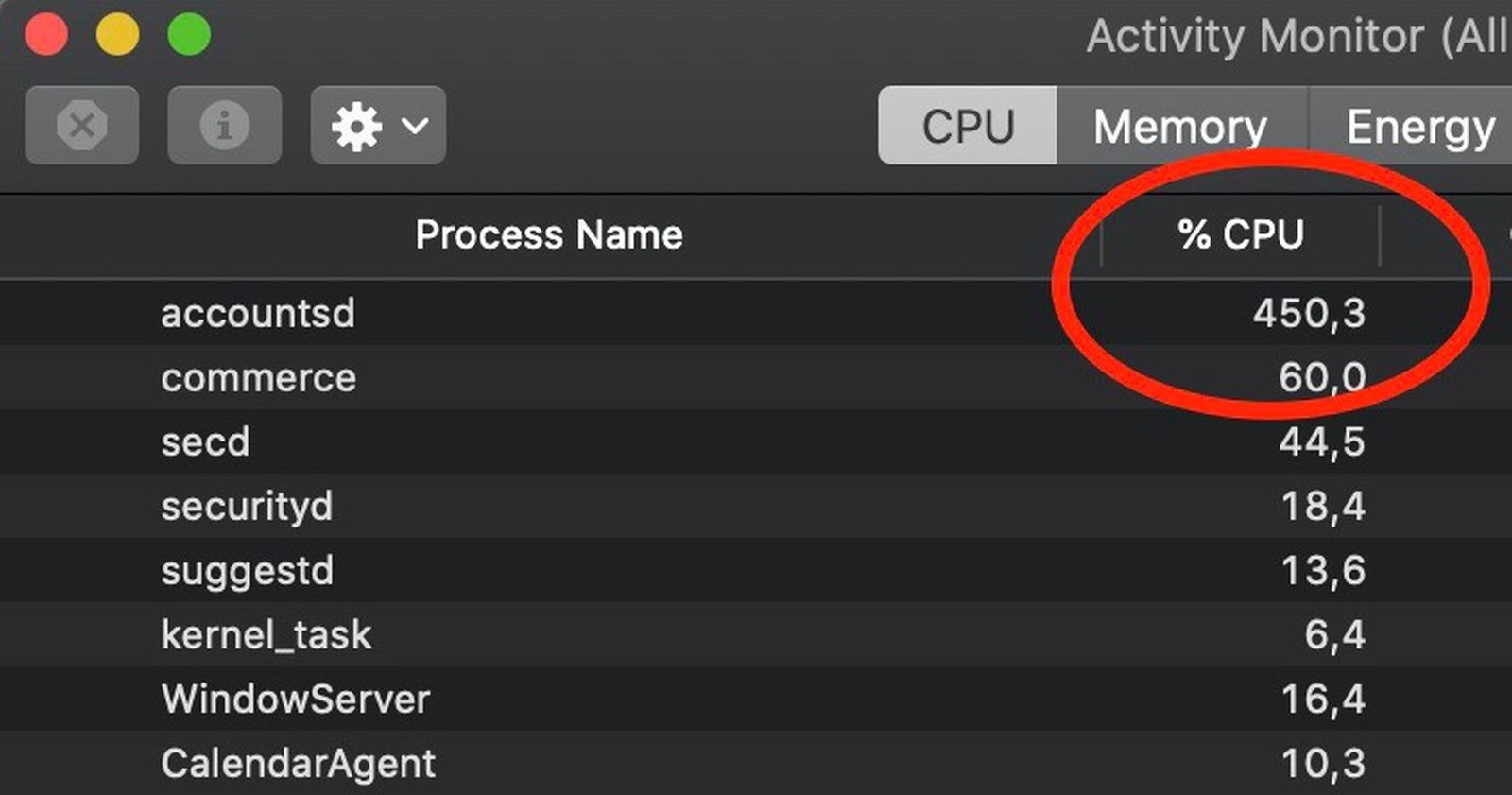
“Accountsd” is the macOS background service responsible for managing your Apple ID and syncing external accounts, but a broken sync loop can force it to consume 100% of your CPU and kill your battery in a matter of hours. Official Source: Apple Support – View CPU activity in Activity Monitor on Mac Why Are You …
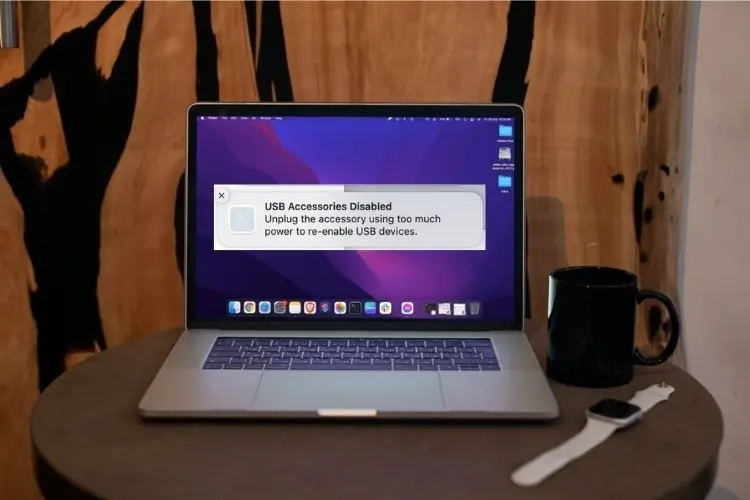
The “USB Accessories Disabled” warning is designed to prevent logic board damage, but seeing it pop up when your MacBook is bone-dry is incredibly frustrating. Official Source: Apple Support – If a USB device doesn’t work with Mac Why Are You Seeing This Error? Understanding the physical trigger helps you prevent this from happening the …